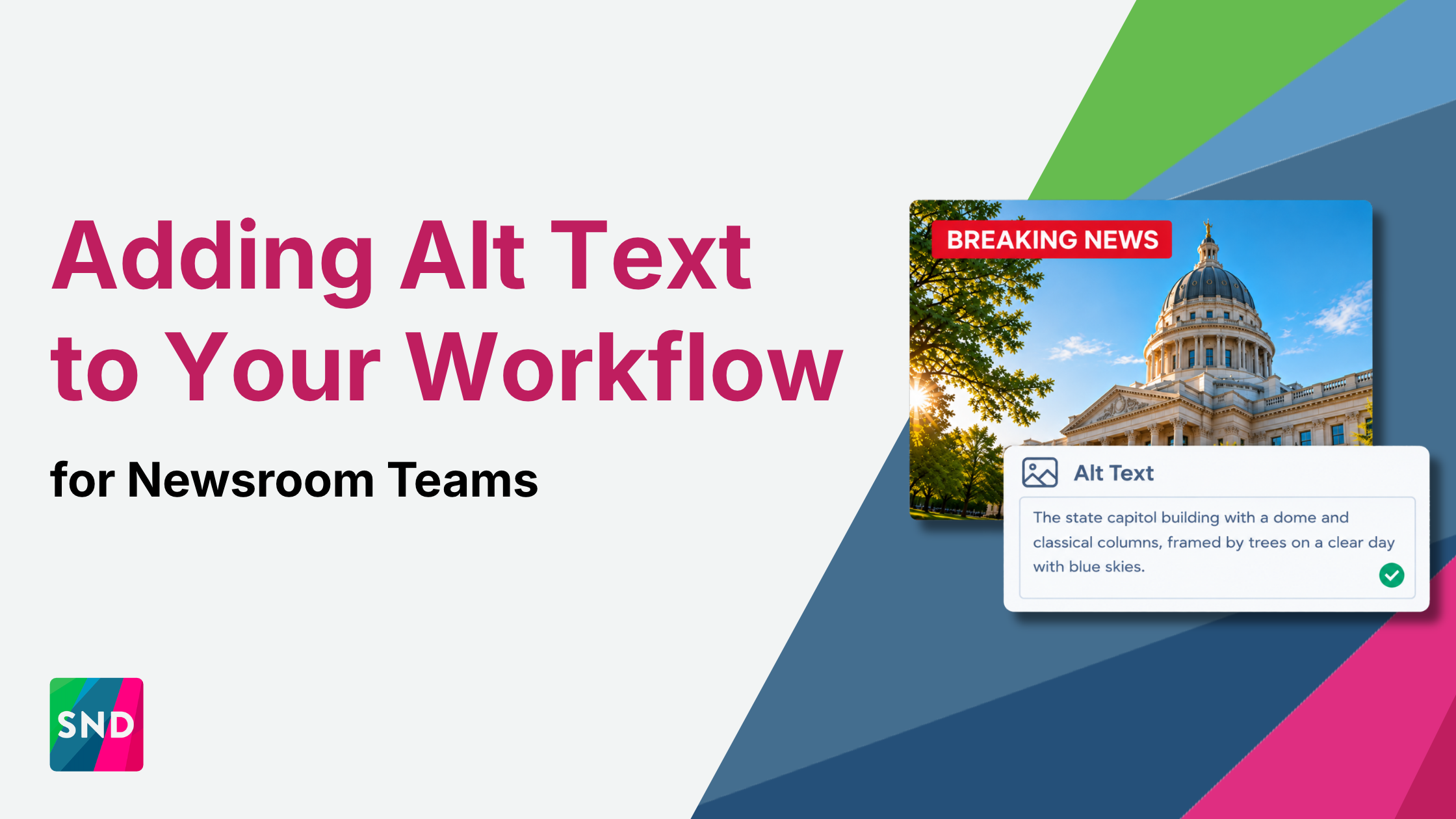
Alt text exists for one reason that matters more than any other: it makes images accessible to people who use screen readers. That purpose hasn’t changed, and it shouldn’t slide down the priority list.
What has changed is that alt text is now doing double duty. Search engines and social platforms increasingly read image descriptions to understand what a photo shows, which makes alt text a discoverability signal as well. In a newsroom moving at breaking news speed, it’s also one of the first things to get skipped. Here’s why it deserves more attention, and how to build it into your workflow without slowing your desk down.
The Accessibility Case Hasn’t Changed, and It Shouldn’t Be an Afterthought
Many people who are blind or have low vision rely on screen readers to follow the news. For them, an image without alt text is a gap in the story, and sometimes it’s the most important part of the story.
Breaking news photos and video are exactly the content most likely to go out without a description. When a story is moving fast and a producer is posting across platforms on deadline, alt text feels optional. That’s backwards. Your highest-stakes, highest-traffic posts are where a missing description shuts out the most people.
The fix is structural, not personal. Asking producers to remember alt text under pressure will always break down on the busiest days. Making it a required step in your publishing workflow, the same way a headline or a link is required, closes the gap no matter who is on shift or how fast the story is moving.
What’s Changed Is How Platforms Use It
Beyond accessibility, descriptive alt text increasingly works as searchable metadata. Search engines have long used image descriptions to understand what a photo shows, and social platforms are moving in the same direction, using the text attached to an image to help categorize content for topic searches and recommendations.
That means a missing or generic description carries a second cost. “Image” or “photo of scene” tells a screen reader almost nothing, and it tells a platform almost nothing either. A description like “Firefighters spray water on a burning warehouse as smoke rises over downtown” serves both. Someone using a screen reader gets the scene, and the platform gets clear signals about the subject, the place, and the event.
The good news is that both problems share one fix. Specific, accurate, descriptive text is better accessibility and better discoverability at the same time. You don’t have to choose, and you don’t need a separate SEO workflow for images. Write for the person first, and discoverability follows.
Where AI-Assisted Drafting Genuinely Helps
AI-assisted alt text can produce a solid first draft quickly, which matters when your team is publishing breaking visual content under time pressure. It removes the blank-box problem and gives the producer something to edit instead of something to write from scratch.
It does not replace a human check. AI-generated descriptions can miss the context that matters most in a news image. They may fail to identify a named public figure, flatten a scene that needs editorial nuance, or mischaracterize a sensitive image in a way your newsroom would never publish under its own name. An image description is published content, and it should meet the same editorial standards as the caption next to it.
The workflow that works is simple: AI drafts, a person reviews and adjusts, then it publishes. Every time. That keeps the speed benefit without handing editorial judgment to a model, the same balance we covered in our look at AI-assisted breaking news workflows.
A Standard Worth Setting Now
Most newsrooms don’t have a written alt text standard. Descriptions are handled inconsistently, based on who is posting and how much time they have. A short internal standard fixes that, and it takes an afternoon to write.
WebAIM’s guide to alternative text is a solid reference as you draft it.
Cover these basics:
- What to describe. Lead with what matters to the story: who, what, where, and any visible action or text that carries meaning.
- How much is enough. Be specific and concise. Describe what a reader needs to understand the image, without repeating the caption word for word or opening with “image of.”
- When to flag for review. Name the situations that need an editor’s eyes, like graphic or sensitive images, minors, victims, and identifications you can’t confirm.
- Where it lives in the workflow. Make alt text a required step before a post goes out, with approvals wherever your desk already uses them.
Once it’s written, every producer works from the same playbook, and quality stops depending on who’s on shift.
Alt Text Is Infrastructure, Not a Checkbox
Alt text isn’t a compliance box to tick and forget. It’s accessibility infrastructure that also happens to make your content easier to find, and it costs almost nothing to do well once it’s built into your workflow instead of left to memory.
Social News Desk is the social media management and automation platform built for newsrooms. Our approval workflows and permission structures help your desk build standards like this into the way every post goes out, so producers move fast and editorial control stays with your team.
Schedule a demo to see how SND fits your newsroom’s publishing workflow.