Every story deserves a strong visual. But creating one usually means leaving your workflow – opening Canva, hunting for a template, hoping it’s on-brand – and that takes time you don’t have when news is breaking. Maybe you even have to rely on a graphic designer who’s already backed up with work.
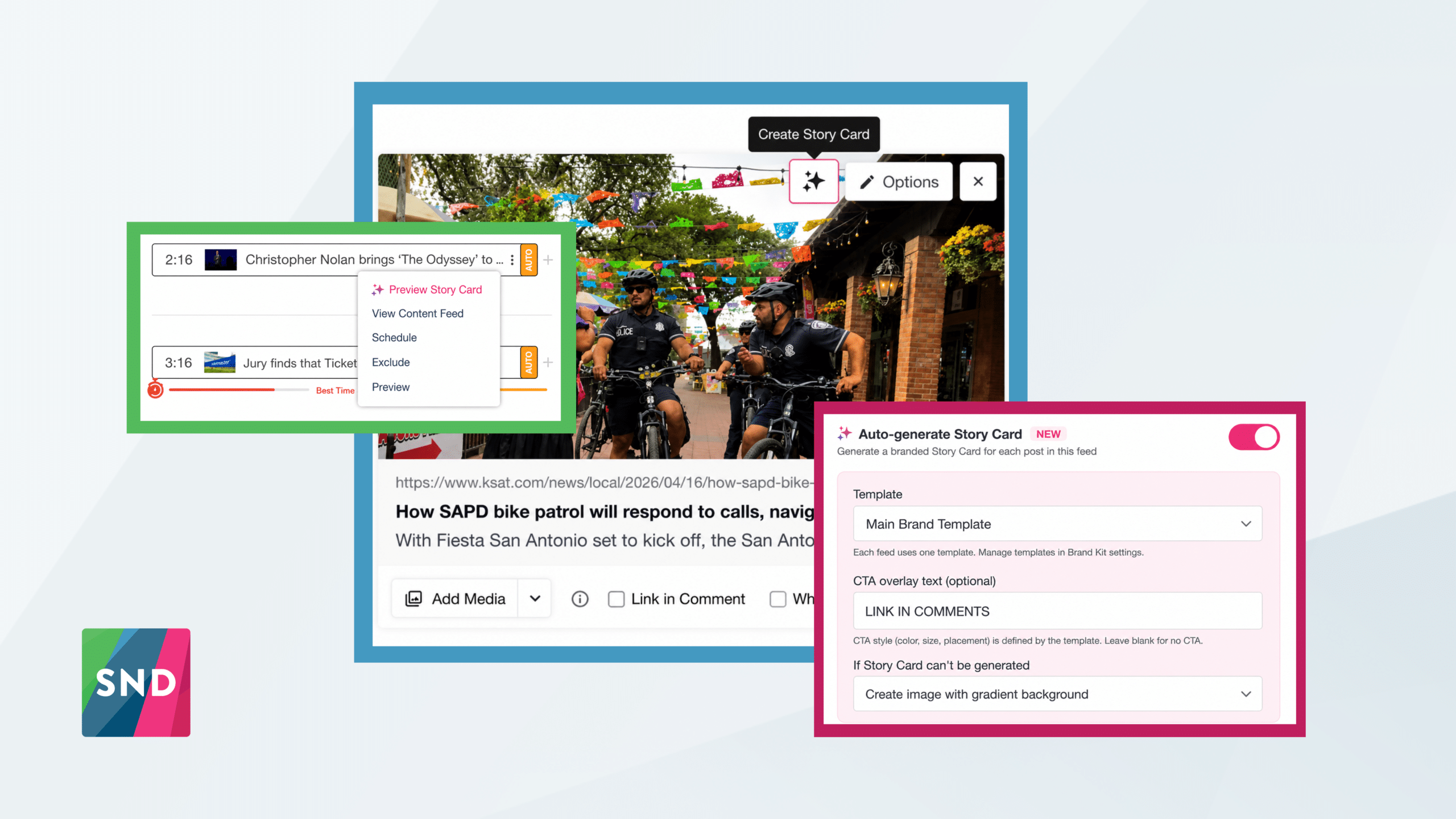
Story Cards fixes that. It’s a new feature in Social News Desk that generates branded social graphics directly inside the Post Composer and Autopilot. Paste in a story URL, pick a template, hit Generate. Done in seconds, without leaving SND.
In the Post Composer
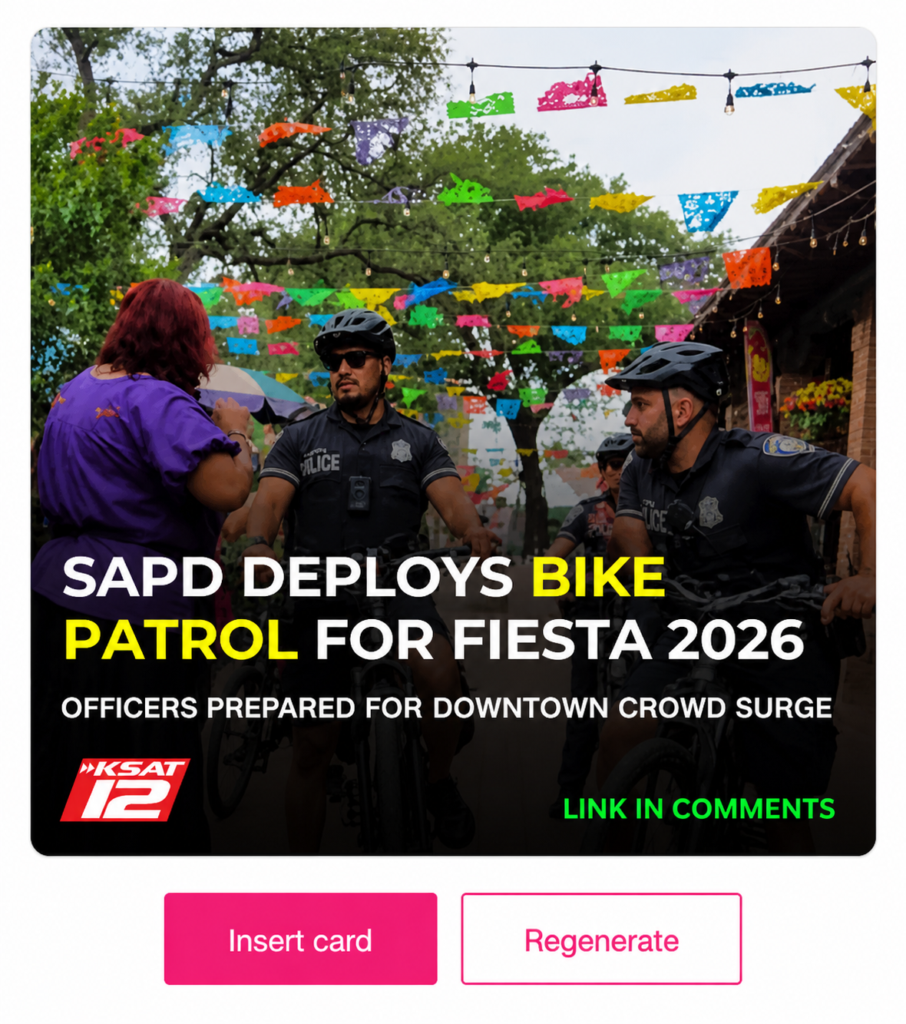
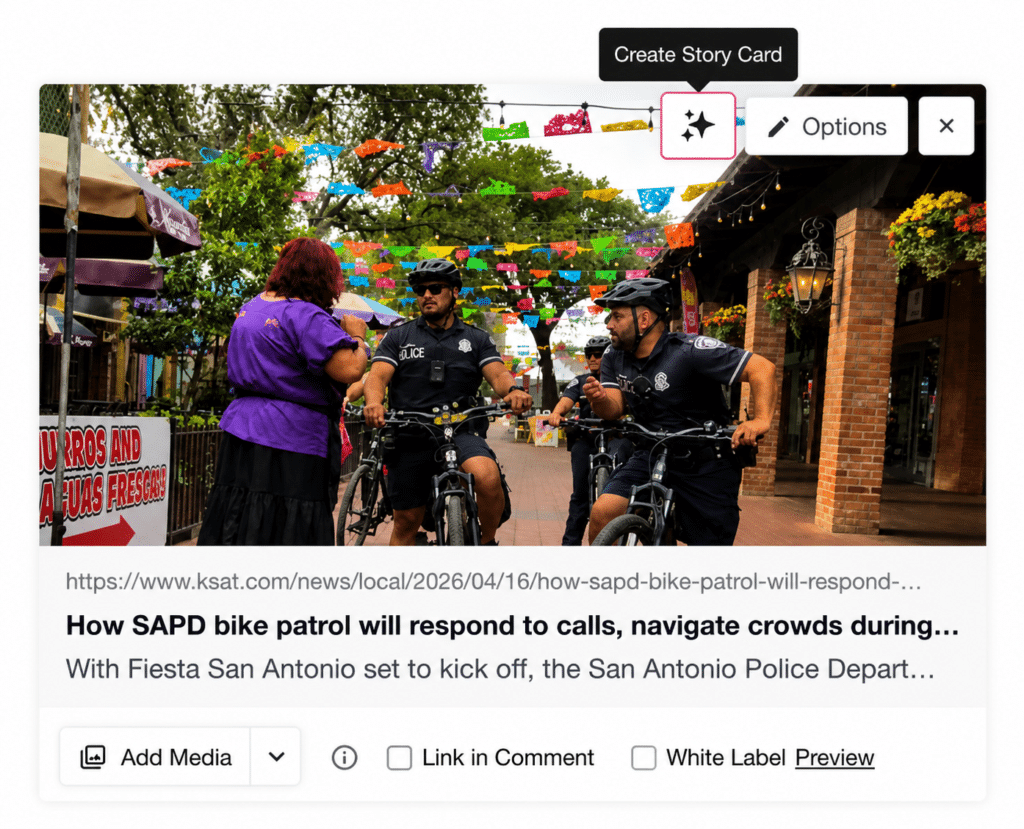
Add a link and select Create Story Card. Choose a template, and optionally add a CTA like “LINK IN COMMENTS.” You’ll see a preview before anything gets attached – insert it if it looks right, regenerate if it doesn’t.
Already have an image or link loaded? Tap the Create Story Card button to use the uploaded graphic instead of the image from the news story.
In Autopilot
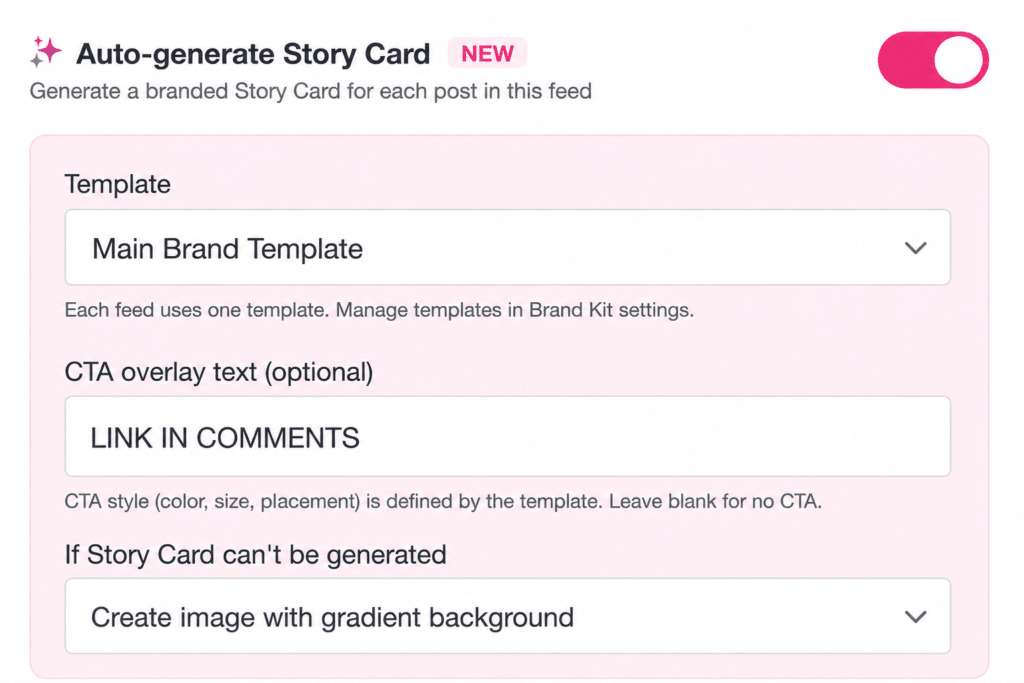
Enable Story Cards on any feed and SND automatically generates a branded graphic for every post that publishes – using the article’s image, headline, CTA, and your chosen template. Different feeds can use different templates. Configure it once, and it runs.
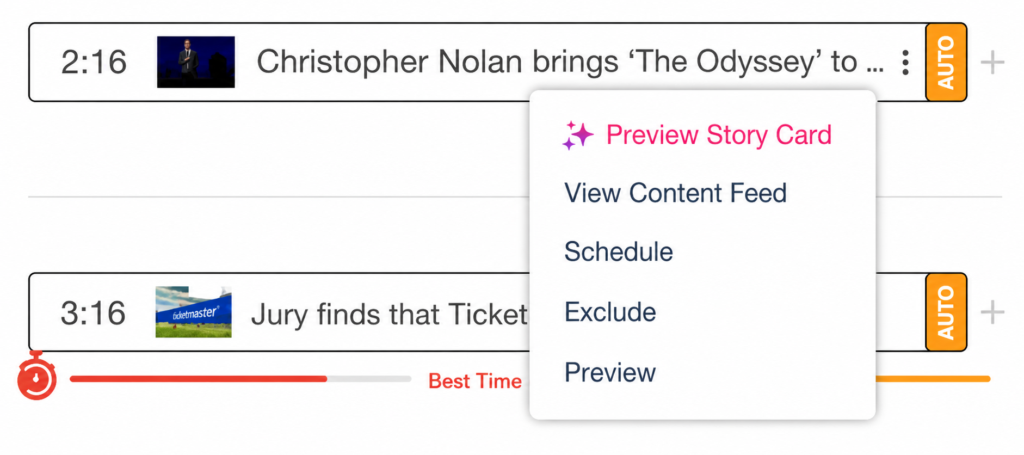
Want to review before publishing? Use the new Preview Story Card option in the feed item context menu. What you save is what gets published.
Brand Templates
Your admin sets up templates once in Account Settings → Advanced Settings → Brand Kit. Each template captures your logo, colors, fonts, and CTA styling. Create as many as you need – Breaking News, Sports, Entertainment – and assign them to the right feeds.
Once templates are set up, your team just picks one and generates. On-brand every time, no extra effort.