Your link-in-bio page is often the first thing a reader sees when they tap your Instagram profile. It should feel like your newsroom – not a generic landing page that looks identical to every other account on the platform. We heard you. And we built something better.
Introducing the Newsin.bio Redesign
Social News Desk customers have been clear: the old Newsin.bio experience was too limited. Every page looked the same, branding was nearly impossible to customize, and the only way to add a tile was to publish an Instagram post first. That last one especially caused friction – sometimes you want to surface a story without creating an IG post for it.
Over the past several weeks, we worked closely with customer feedback from newsrooms across the country to redesign Newsin.bio from the ground up. The result is a full-featured settings editor that gives your social team real control over how your link-in-bio page looks and works – without adding complexity to your daily workflow.
What’s New
A Dedicated Settings Editor
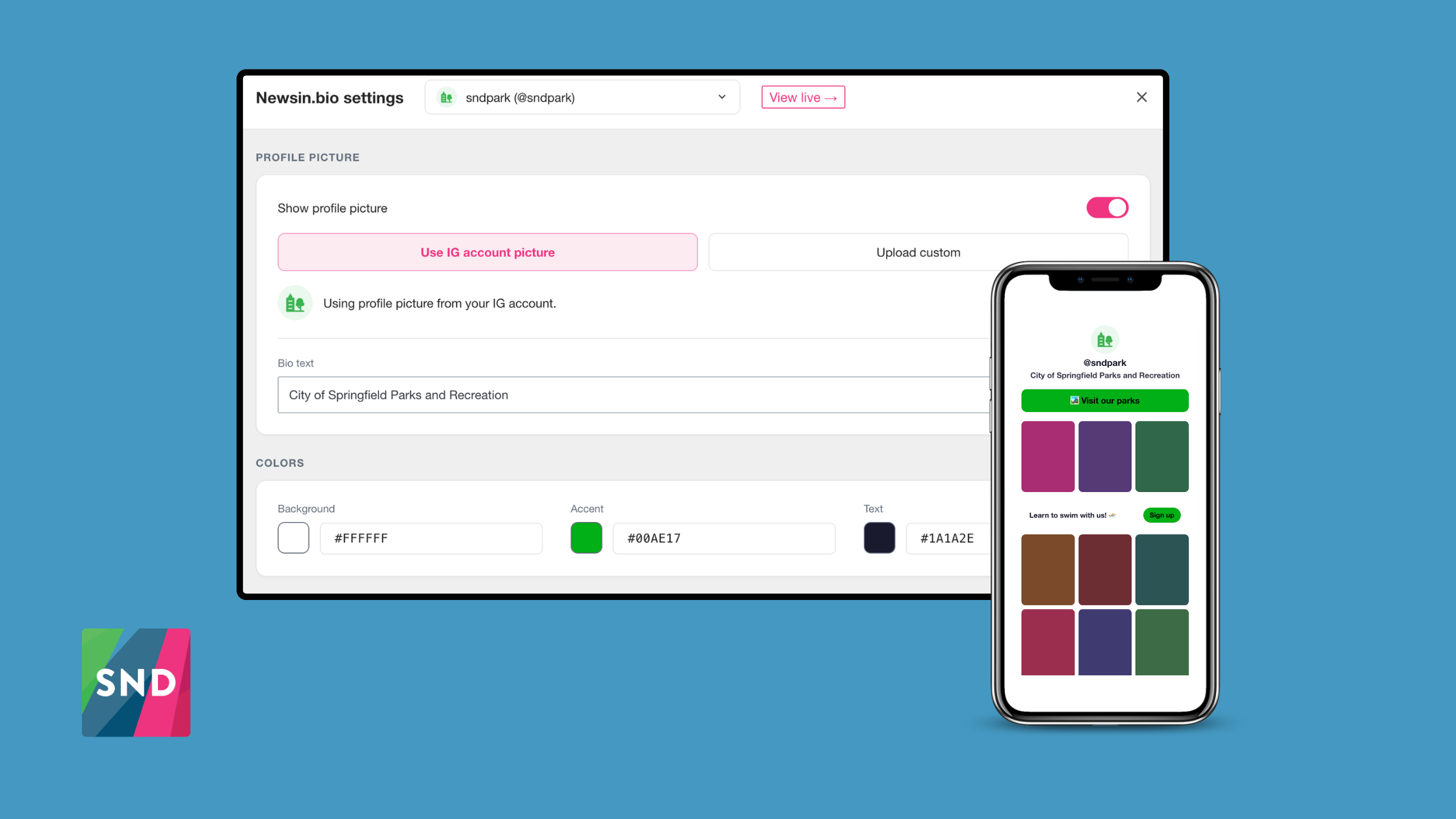
Newsin.bio settings now has a new home, accessible directly from the Post Composer. The new editor is a full-screen experience with a live phone preview that updates in real time as you make changes – so there are no surprises when you hit Save.
Make It Yours: Color Customization
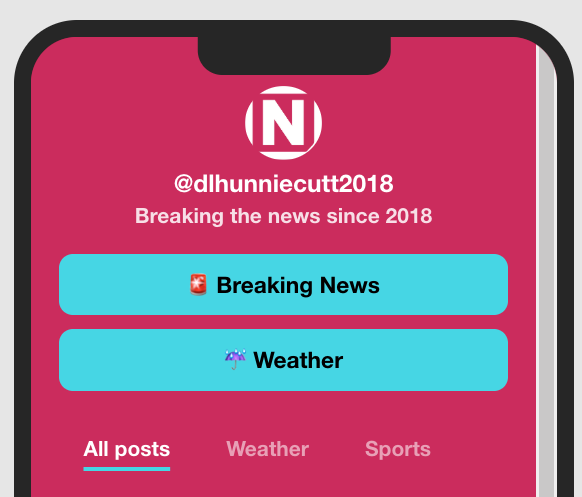
For the first time, you can set your own background color, accent color (used for buttons and highlights), and text color. Each color can be set with a color picker or entered as a hex value. Button text automatically adjusts between black and white based on your accent color to keep things readable – one less thing to worry about.

Link Buttons
Add, edit, delete, and reorder link buttons that appear above your post grid. Need to drive traffic to your newsletter, donation page, or breaking news hub? Drop in a link. Emoji works directly in the label text.
Tag-Driven Content Tabs
This one is a game-changer for newsrooms with a lot of content. You can now add content tabs to your Newsin.bio page – each mapped to an existing SND post tag. Posts populate automatically based on the tag, with no manual curation needed. Your “All” tab is always there and always first; additional tabs appear in the order you create them.
Have a weather vertical? A sports team? A major ongoing story? Give it a tab.
Mid-Roll Blocks
Place content blocks between rows of posts in your grid. Each block has three modes:
- Link button – a descriptive message alongside a styled call-to-action button
- CTA block – a full-width styled button with a short label
- HTML embed – for third-party embeds like newsletter signup forms, social follow widgets, or banner ads, rendered in a secure sandboxed frame
You can add as many mid-roll blocks as you need and position each one after a specific row of posts.
Pinned Tiles
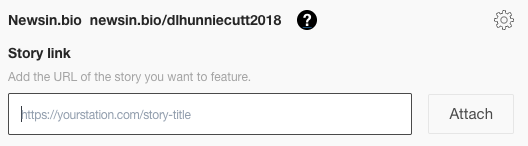
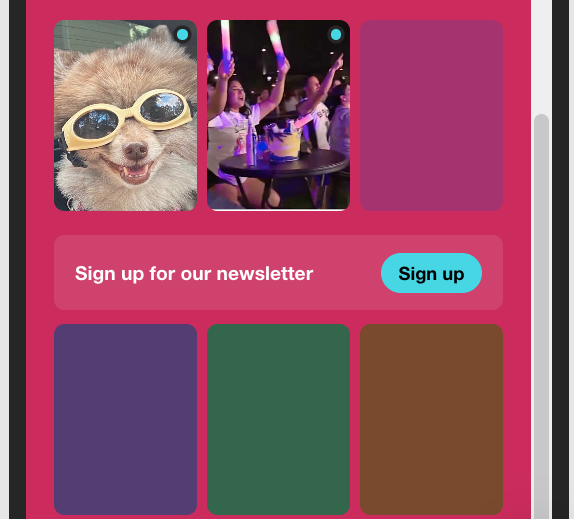
Up to three tiles can be pinned to the top of your post grid. Paste any URL – an Instagram post link, a story on your website, a special coverage page – and the system resolves it automatically. Instagram post links pull the stored post image; other URLs are scraped for their Open Graph image and headline. You can override any auto-fetched image with a custom upload.
Pinned tiles are displayed at a 3:4 aspect ratio to match the Instagram grid, and you can drag to reorder them. Images are stored in SND – not dependent on external sources – so they stay stable.
A Note on Migration
Your existing Newsin.bio page is untouched until you’re ready. The first time you save settings in the new editor, your account upgrades to the new experience. Your public URL – newsin.bio/[yourhandle] – doesn’t change.
Available Now
The new Newsin.bio settings editor is available to all SND customers today. Head to the Post Composer and look for the Newsin.bio link to get started, or navigate directly to dashboard.socialnewsdesk.com/news-in-bio in your SND dashboard.
Questions? Reach out to your Customer Success Manager or contact our support team.