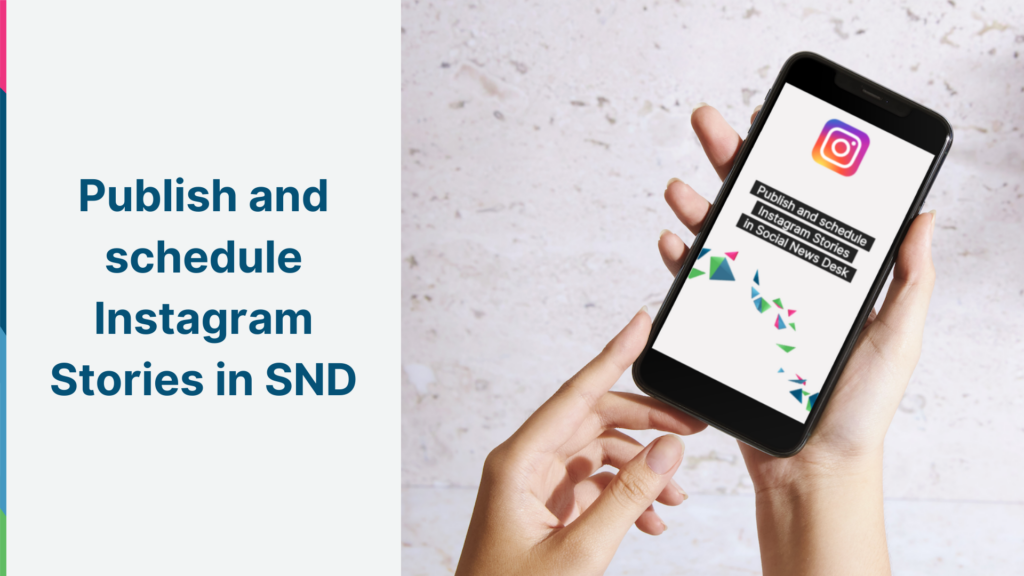
Here’s a story we’re excited to share – now you can share Instagram Stories right from Social News Desk!
Publishing and scheduling your Instagram Stories is just as easy as publishing to your feed:
- Select an Instagram account in Post Composer
- Upload a vertical video
- Select the option to publish to Instagram Stories, or publish to Stories and your Feed
- Click the clock icon to schedule your story, or Post Now
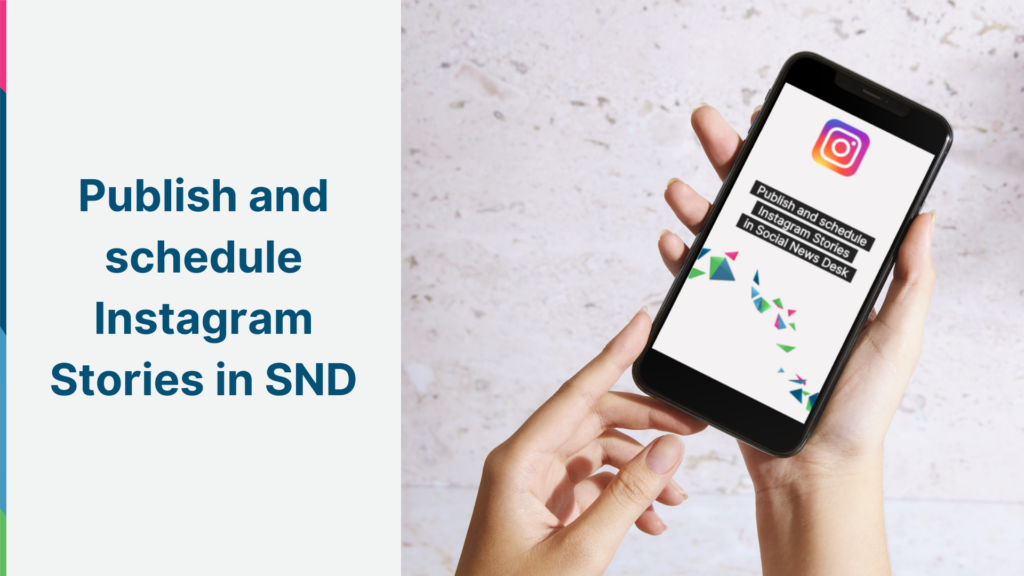
SND’s publishing workflow also makes it easier to publish content to Reels and Stories at the same time, so there’s no need to go back and share a post to your Stories later. Keep in mind that any video published to Instagram will be available in your Reels tab, as long as it’s less than 90 seconds.
You can pair your Stories with a post in order to include a link in Newsin.bio – and add a call to action in your video to encourage visitors to click. Remember, Stories are only around for 24 hours, so it’s a great way to share urgent or time-sensitive information.
Check out these best practices to get the most out of your Stories! As always, our Client Success Team is available to answer any questions or collaborate on your social strategy. Drop us a line anytime at support@socialnewsdesk.com.