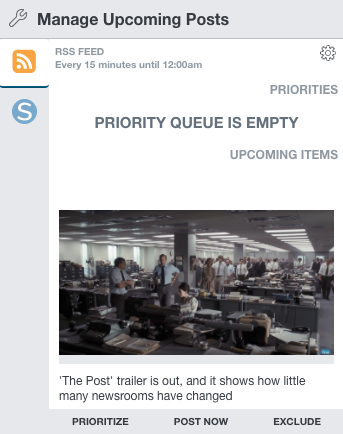
We’ve made some exciting enhancements to SND Auto-Pilot! You now have even more fine-tuned control over your automation schedule. You can exclude, prioritize and manage a running queue – plus we’ll always show you “What’s Next.”

Your Priority Queue will allow you to build an ordered list of stories for the automation to post “next.” Simply scroll through your raw RSS feed, and click Prioritize to move to the top. Then, drag and drop to reorder the list.
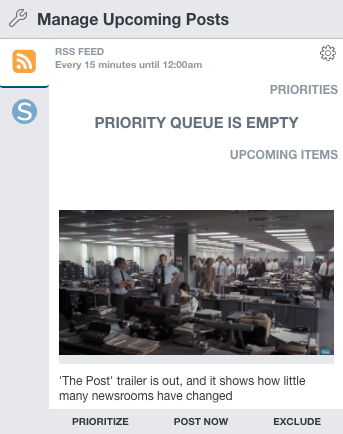
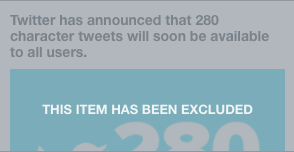
If you see something in your RSS feed that you do not want to post, just click “Exclude” and Auto-Pilot will skip over the content altogether. It’s that simple! You’ll also notice the “Post Now” button to take a piece of content immediately into a new post composer if you just can’t wait for the automation.
The new SND Auto-Pilot is live in SND Dashboard now! If you need help setting it up, check out the quick video below or get in touch with us at support@socialnewsdesk.com.