Many of you have requested this feature and we worked hard to add it for you! Now, simply go to your SND Dashboard to open a Messages Column for any of your Facebook Pages. From there you can read and respond to Messages as they come in – without needing native admin access to the Page!
How to Get Set Up
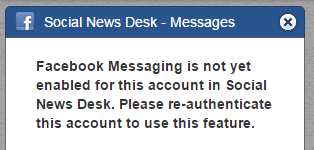
1. Facebook Messages won’t appear right away. The column will indicate that you need to reauthenticate before SND has permission from you to bring in your Messages.
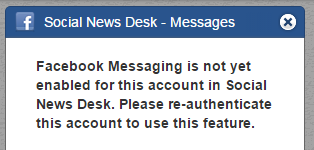
2. To reauthenticate, go to Menu > Dashboard Setup. You’ll be prompted to allow SND to access your Page’s Messages.
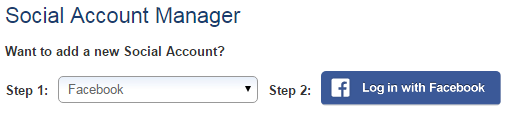
How to Read and View Fb Messages in SND Dashboard
1. From the Dashboard, you’ll now see an arrow next to each of your Facebook Pages. Click it to reveal two column options: Timeline or Messages.
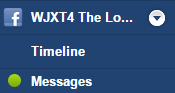
2. Select Messages to pop open that column on your Dashboard.
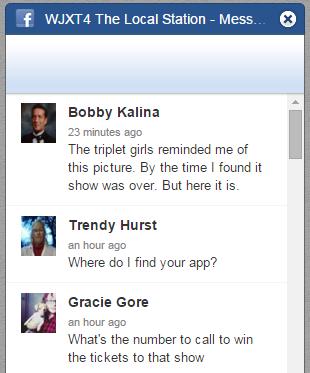
3. You’ll see all Messages with the most recent on top. If you’d like to read or respond to one of them, click it. This will open a detailed view of the conversation.
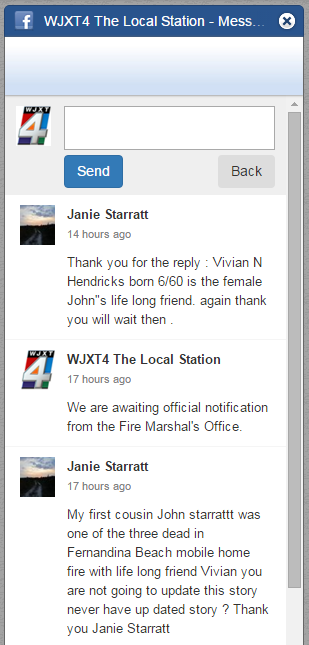
4. From here, you can type and send a response.
Check it out and let us know what you think!