Drag and drop days are here. And who doesn’t love that option?
SND Planner is rolling out to our entire client-base soon.
In short, it’s a better way to plan out your content with a full view of the big picture of stories along with cutting-edge conveniences.
One of the features we’re getting rave reviews about makes it extra simple and convenient to plan your social posts.
“The ability to drag and drop to reschedule and rearrange content is awesome, as well as the ability to schedule content in an autopilot slot via the post planner module/widget.”
-Doug Rogers, Lily Broadcasting
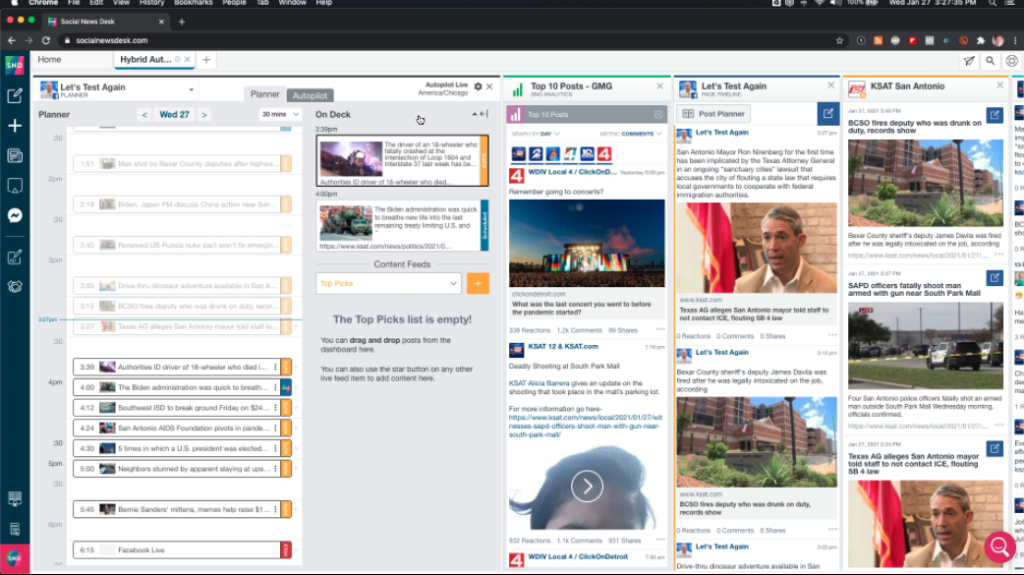
A key component when we map out our development is keeping in mind how quickly news changes and how many adjustments our users make in a day. This feature makes that happen.
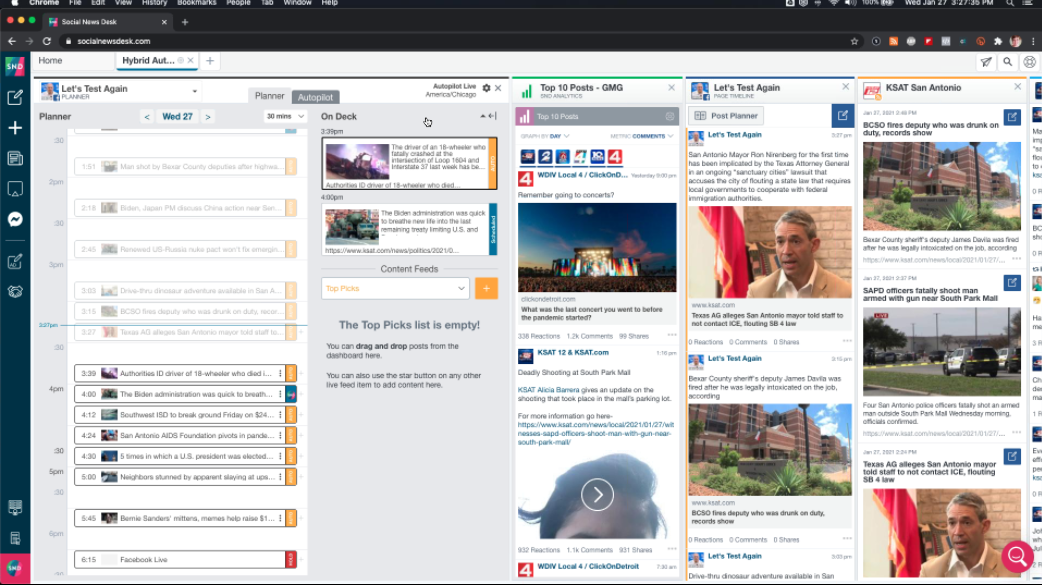
SND Planner allows you to slide content into a so-called ‘slot’ and then, move it and adjust as needed.
Quick video to show you how it works:
We’re highlighting each of the features that sets SND Planner apart as we get closer to our big SND Launch Party on Wednesday, March 10th. Sign up here to be first on the list to use it! It’s going to be great.