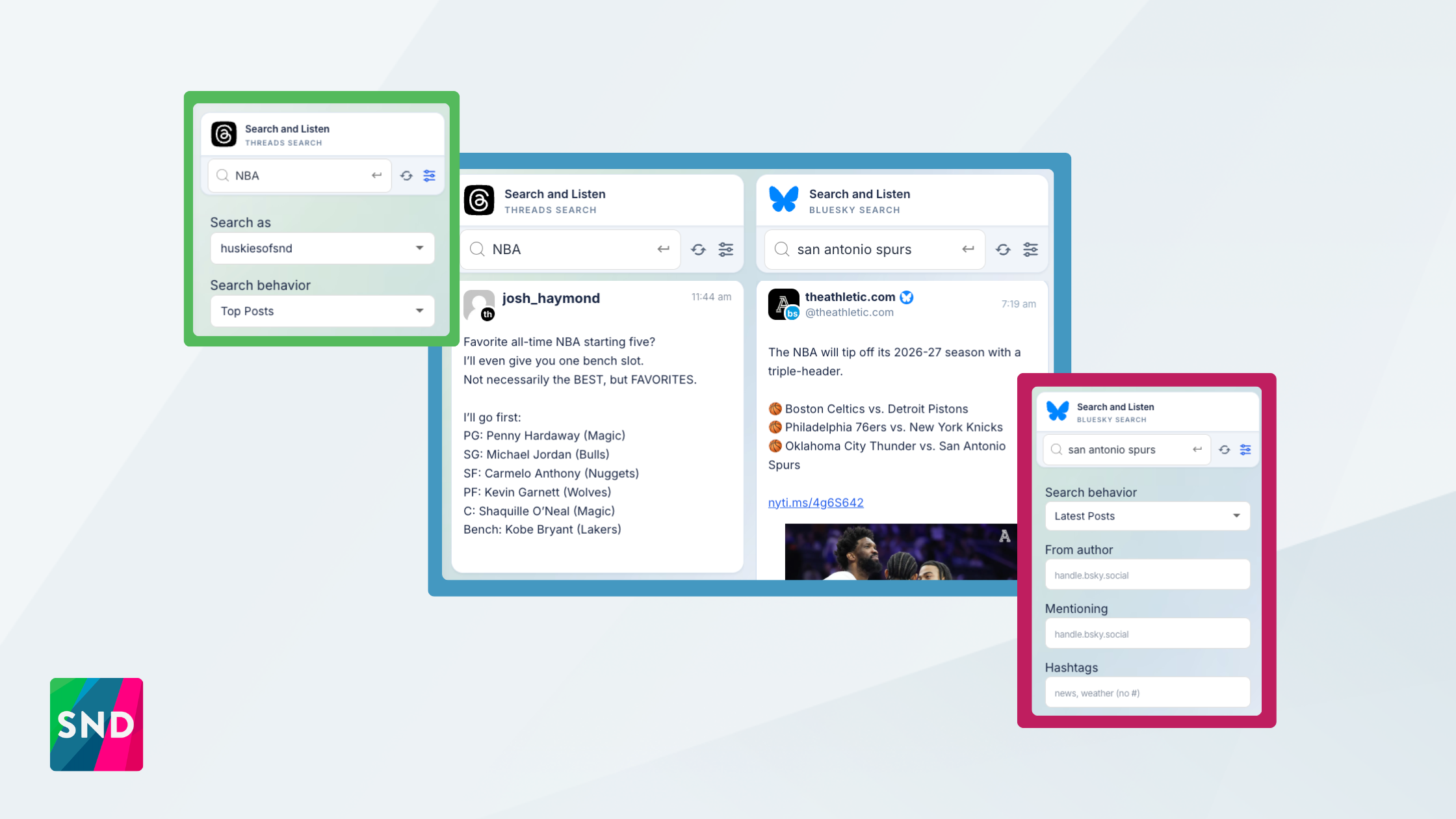
Your audience isn’t in one place anymore. The story you’re chasing might break on Bluesky an hour before it lands anywhere else, or spark a conversation on Threads that your newsroom needs to be part of. Search and Listen is where SND already helps you keep an eye on Facebook, Instagram, Nextdoor, and X, all in one column-based view. Today it gets two more: Bluesky Keyword Search and Threads Keyword Search.
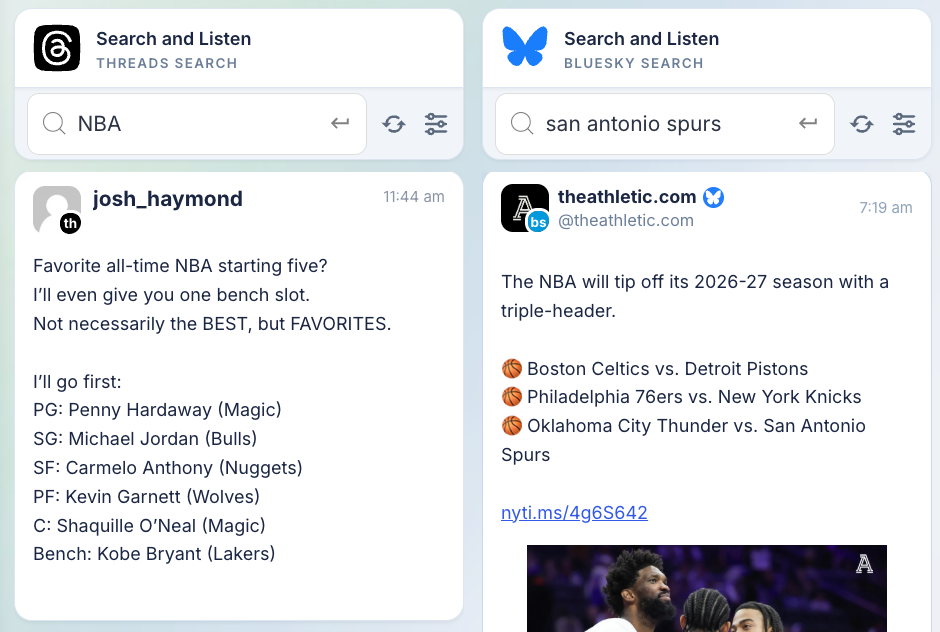
Bluesky Keyword Search
Type a term into a Bluesky column and you get a live feed of posts matching it, no account connection required to start listening. Bluesky supports full phrase searches, so you can track something like “city council” or “wildfire evacuation” as a phrase rather than as loose, separate words.
When you want to shape those results, open the advanced filters. Set the search behavior to Latest Posts to stay on top of a developing story, or Top Posts when you want the conversation that’s actually getting traction. From there you can narrow to posts from a specific author, posts mentioning a particular handle, one or more hashtags (comma-separated, no # needed), or posts linking to a domain, handy for catching everyone sharing a particular outlet or your own site.
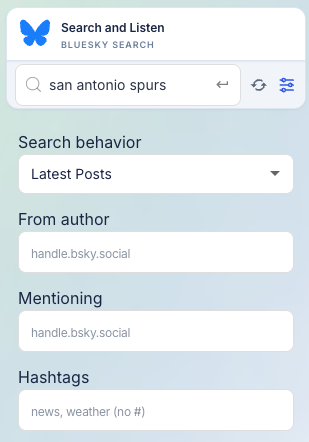
A Since / Until date range keeps you inside the window you care about, and a language filter cuts the noise when a keyword travels across borders. Hit refresh any time to pull the latest.
Threads Keyword Search
Threads keyword search runs through a connected Threads account, so the first time you build a column you’ll pick which account does the searching. If your newsroom manages more than one Threads account, a Search as selector lets you choose. From there, type your keyword and the posts roll in. Threads searches on a single keyword, so choose the one term that best captures what you’re tracking.
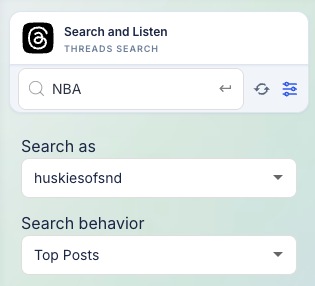
Threads gives you a slightly different toolkit. Sort by Top Posts or Recent Posts, and switch the search mode between a straight keyword match and a topic tag when you want Threads’ own topic grouping. Filter by media type like text, image, or video to zero in on, say, only the video posts about an event. You can also match a specific author by username and set a Since / Until date range. As with every column, refresh pulls the newest results on demand.
Where to Find It
Both live inside Search and Listen. Add a new column, choose Bluesky or Threads as the network, and pick Keyword Search. Your columns save automatically, so the searches you rely on are waiting for you the next time you open the view.
Two of the fastest-moving conversations in social are now something your newsroom can watch as closely as everywhere else you already do. Questions? Reach out to your Customer Success Manager or our support team because we’re listening too.