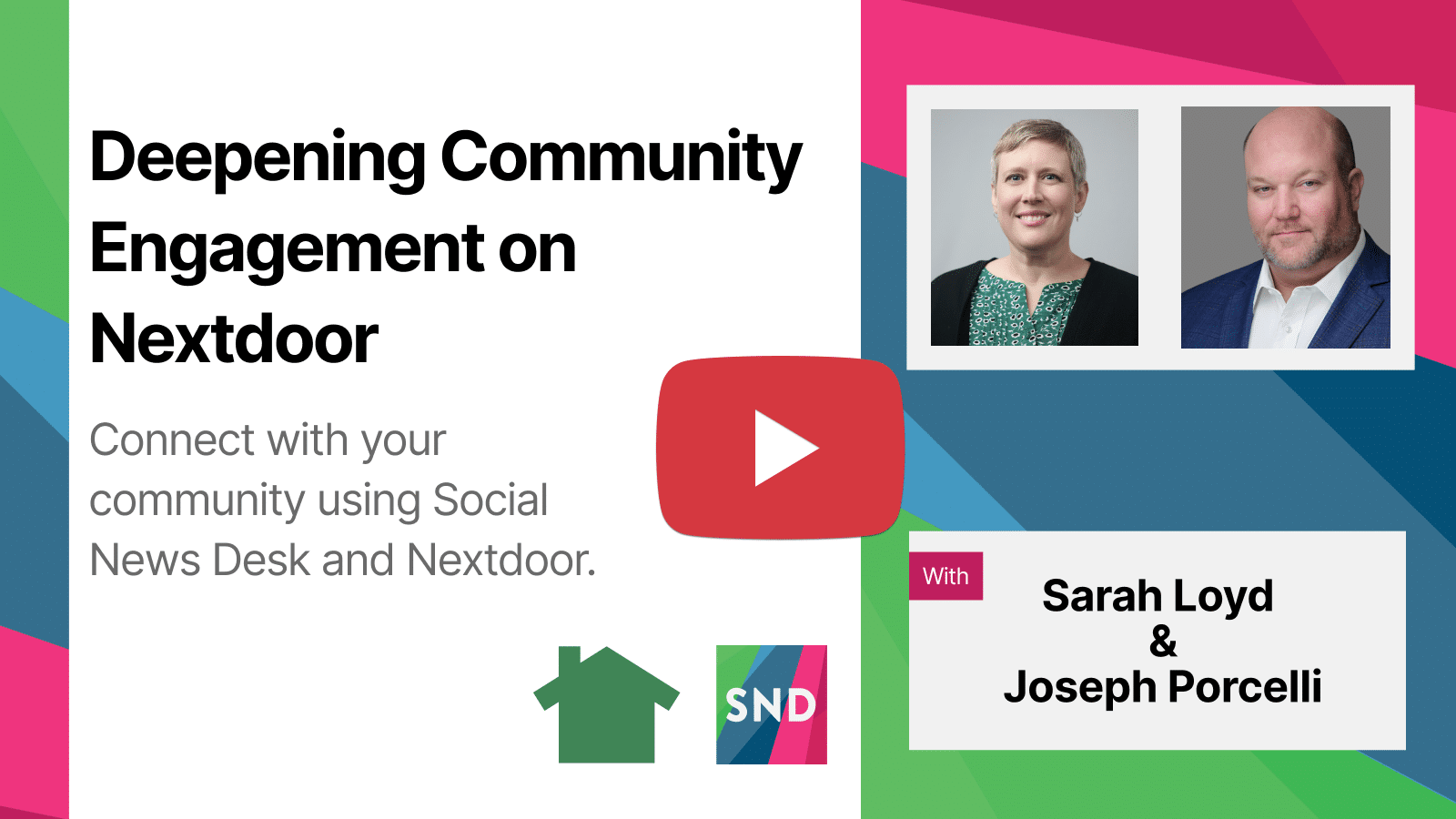
For government communicators, reaching residents where they actually are isn’t always easy, especially when a significant portion of your community isn’t on Facebook, Instagram, or LinkedIn. In the recent Social News Desk webinar, “Deepening Community Engagement on Nextdoor,” Sarah Loyd, Head of Product Success and Evangelism, welcomed Joseph Porcelli, Nextdoor’s Global Public Agency and Disaster Response Lead, for a deep dive into how municipalities can use Nextdoor’s free government platform to better connect with residents.
From posting strategies and alert best practices to polls, metrics, and the SND integration, the session was packed with practical guidance for communicators at any level. Below is a recap of the biggest takeaways.
1. Reach Residents You’re Missing on Other Platforms
Nextdoor’s audience is meaningfully different from other social networks. According to Porcelli, 20% of Nextdoor users aren’t on Facebook, 34% aren’t on Instagram, and 53% aren’t on X. With approximately 100 million users worldwide and one in three Americans on the platform, Nextdoor gives communicators a way to reach homeowners, parents, and community members who simply aren’t reachable elsewhere—and to reach them geographically, right where they live.
2. Your Audience Is Already There: You Don’t Have to Build It
Unlike Facebook or Instagram, where you have to earn followers before your content reaches anyone, Nextdoor’s public agency platform is built differently. Every resident in your jurisdiction who uses Nextdoor is automatically eligible to see your posts, no likes, follows, or subscriptions required. That built-in audience means your energy goes into crafting good content, not growing a following.
3. Know Your Four Post Types
Nextdoor offers four distinct post types for public agencies, and choosing the right one matters:
- Regular Post – Standard, non-urgent updates that residents will see when they log in
- Poll – A tool to educate, assess sentiment, and measure the actions residents have taken
- Alert – The most powerful option. Alerts bypass the algorithm, trigger push notifications, send immediate emails, and stay pinned at the top of the newsfeed. Use these when life or property is at risk, or when the message simply cannot wait.
- Event – For in-person or virtual gatherings, with advance notice of at least two to four weeks recommended
4. Use Alerts Strategically and Correctly
Alerts are not for routine announcements. Porcelli was clear: alerts are for unplanned road and bridge closures, utility disruptions, missing or endangered persons, weather emergencies, evacuations, and shelter openings—situations where residents need to know right now.
Best practices for alerts include always noting the date and time at the top of the post, following up with a new alert (not a comment) if updates are needed after 30 minutes, closing the comment thread once the threat has passed, and geo-targeting the alert to the affected area so it stays locally relevant.
5. Shift from the “Air Game” to the “Ground Game”
Porcelli described two types of communication on Nextdoor: the “air game” (broadcasting your organization’s story and good work) and the “ground game” (sharing what’s happening in the neighborhood that residents need or want to know). The air game has its place, but the majority of your content should be locally relevant and actionable, telling residents what’s happening, how it affects them, what you’re doing about it, and how they can help.
6. Always Include a Call to Action
Because Nextdoor is a conversational platform, posts with comments and engagement perform significantly better algorithmically. Porcelli noted that posts with 300 or more comments actually perform best on the platform. Ask questions, invite neighbors to share their experiences, and give people a reason to respond. Posts that invite conversation help you reach more people, and build more trust.
Equally important: give people all the information they need in the post itself. With an average internet click-through rate of only 2%, don’t rely on a link to carry your message. Put the substance in the post.
7. Use Polls to Measure Real-World Impact
Polls on Nextdoor are more than a way to take the temperature of your community. They’re a way to demonstrate programmatic value. Porcelli shared an example from Florida Emergency Management, where a poll asking residents what preparedness actions they’d taken as a result of the agency’s communications generated nearly 3,000 responses, comparable in scale to FEMA’s own household survey sample size.
After a poll closes, repost it with context and commentary. It closes the loop with residents, reinforces your key messages, and drives additional engagement. You can also download poll results broken down by neighborhood or custom service area for deeper insights.
8. Post Recaps After Community Meetings
Getting people to show up to a public meeting is hard. But reaching residents digitally after the fact is entirely within your control. Porcelli recommended posting a meeting recap that includes what was shared, a link to slides, the top questions asked and their answers, and an open invitation for follow-up questions. The people who didn’t attend (often the majority) still deserve access to the information.
9. Post Three to Four Times a Week
The sweet spot for Nextdoor is three to four posts per week. This frequency trains the algorithm that your content is valuable and consistent. During a major incident, post as often as needed. When things are calm, stay consistent rather than going silent. And when it comes to timing, data shows Sunday is the weakest day for engagement. Residents are offline and unavailable. Every other day of the week is fair game.
10. Handle Negative Comments with Consistency and Care
Misinformation and off-topic comments are a reality on every platform. Porcelli’s guidance: build trust through consistency. Show up, respond thoughtfully to reasonable questions, and cite factual sources. You don’t have to engage with every bad-faith comment. It’s okay to let some go. For repeat offenders spreading misinformation, you can report them directly to Nextdoor’s moderation team, which takes those signals seriously. Comments can also be removed from view while still being retained in Nextdoor’s archive for compliance purposes.
11. Geo-Target Your Posts
One of Nextdoor’s most powerful features is the ability to target specific neighborhoods or custom geographic areas, flood zones, service districts, precincts, and more. Porcelli recommended always using geo-targeting to ensure your content reaches the right residents in the right place. A post about a road closure on one side of town has no value to someone across the city.
12. Measure What Matters: Quantitative and Qualitative
Nextdoor’s built-in Content and Engagement Report shows impressions, reactions, comments, posting frequency, and top-performing posts across your team. But Porcelli pushed communicators to think beyond the dashboard. Use UTM parameters to track conversions and tie your communications to real-world programmatic outcomes: Did more people sign up for the program you promoted? Did more residents pick up the free smoke detectors? Those outcomes tell the story that matters to leadership.
How Social News Desk Enhances Your Nextdoor Strategy
Social News Desk’s integration with Nextdoor gives communicators a centralized place to manage their agency page alongside every other social channel. Key capabilities include:
Publishing and Scheduling – Post and schedule Nextdoor content from the same dashboard you use for Facebook, X, Instagram, LinkedIn, Threads, Bluesky, TikTok, and YouTube. You can post to your entire service area or customize the location using a pin drop and radius of one to 100 miles.
Search and Listen – SND’s Nextdoor integration allows you to see what neighbors are saying in any municipality, including inside your service area even if you live outside it. You can drill down to neighborhood-level conversations and monitor by location or radius. Porcelli noted that SND is currently the only platform partner that gives public agencies visibility into what neighbors are actually talking about, a capability not available natively in Nextdoor itself.
Agency Feed – Monitor what nearby agencies, statewide agencies, and partners are posting on Nextdoor directly inside SND. Great for situational awareness and content inspiration.
Performance Insights – Filter Post Manager for your Nextdoor account to view heat maps of the best-performing days and times, and sort content by engagement to understand what’s resonating with your audience.
Archiving – SND Archive captures your Nextdoor posts for retention and open records compliance. SND Archive is believed to be the only social media archiving tool that supports Nextdoor archival, making Open Records Request responses significantly faster and easier.
If you’re an existing Social News Desk customer and want help making the most of your Nextdoor integration, reach out to the Client Success team at support@socialnewsdesk.com. If you’re not yet using Social News Desk and want to see how these tools can support your government communications strategy, start a free trial or request a demo at socialnewsdesk.com/demo.