We’re always asking the question: how can we make SND better?
We heard your feedback and rolled up our sleeves — and we’re ready to introduce our brand new, easy-to-use interface! (Did we mention everything is faster?)
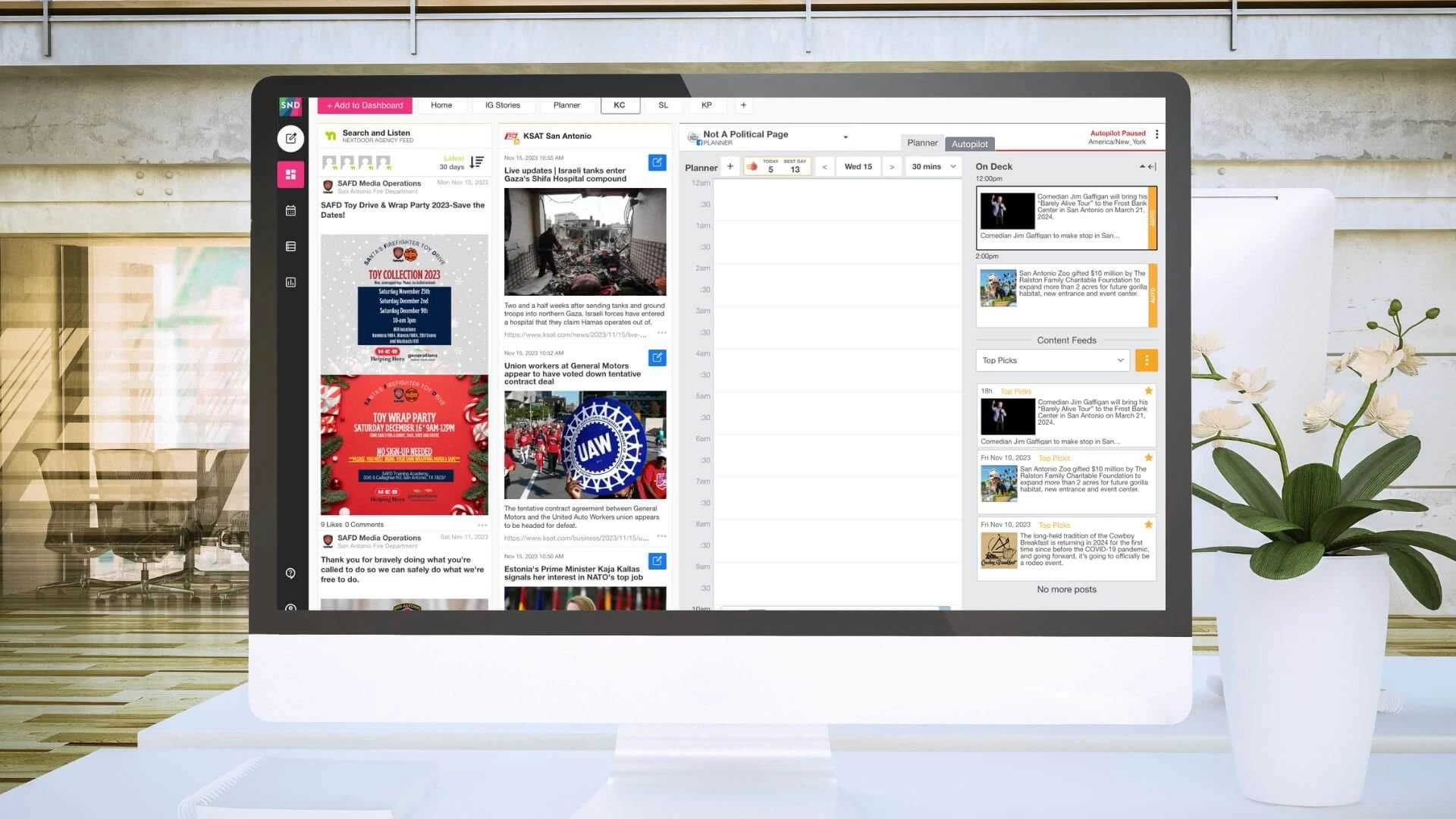
First things first: the left rail now houses the tools within SND, including:
- Create a Post
- Dashboard
- Calendar
- Post Manager
This means fewer clicks to save you time in the tools you use the most. You may also see additional tools, depending on your access level:

Now, for your streams – adding these couldn’t be easier! They’re all in one handy spot once you click the + Add to Dashboard button. You’ll find social and RSS feeds, Search and Listen, Scheduled Posts and more (plus some others, again, depending on your access level):

And, don’t worry: Tabs will still appear at the top or bottom, depending on how you’ve set up your Dashboard. You can still use the gear icon on the right to change the placement.
We hope you love SND’s new look and the improvements we’ve made behind the scenes. Have questions? Check out our Knowledge Base or get in touch with the Client Success team at support@socialnewsdesk.com. We’re always here to help!