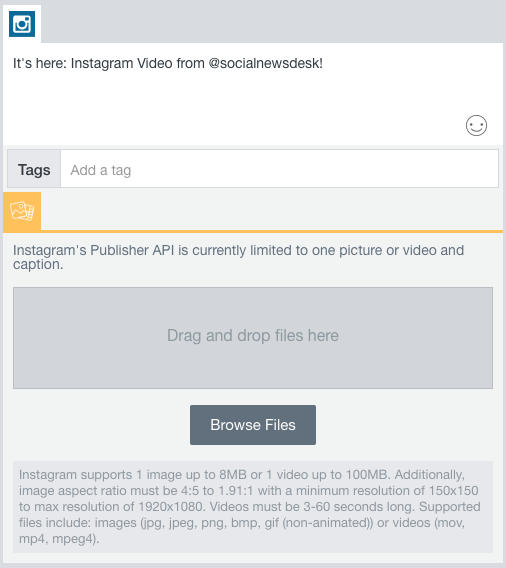
You wanted it. We built it. And now you can have it: posting and scheduling Instagram VIDEOS right from your Social News Desk Dashboard!
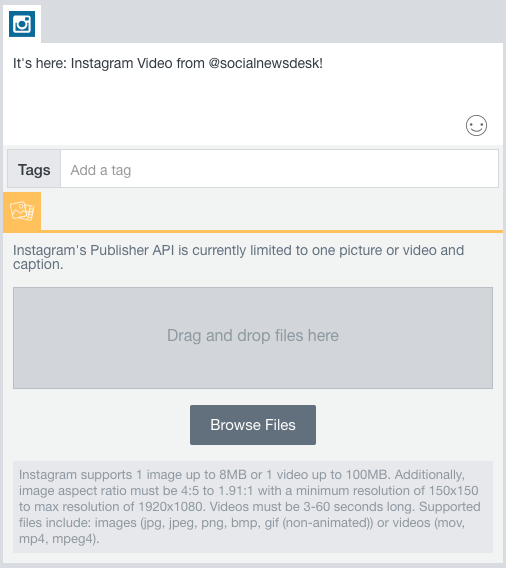
We’re excited to be one of the first software tools to offer this feature. Just like posting video to Facebook and Twitter, the entire workflow happens right in your Dashboard. (We expect to support this feature in the SND Mobile App soon!)
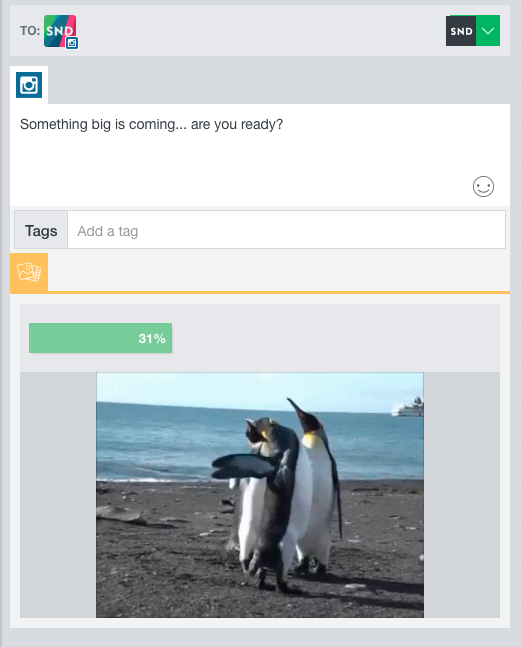
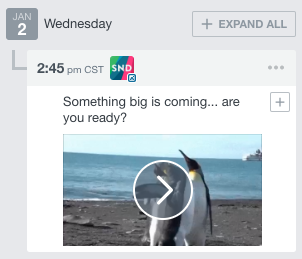
Once you’ve created your post and added your video, just post or schedule as you would any other piece of content. Be sure your video conforms to Instagram’s requirements: less than 100 MB, 3-60 seconds long, and in the mov, mp4, or mpeg4 formats.
We know you’re excited, and we can’t wait to see how your newsroom uses this brand-new feature! Have questions or need help setting up your Instagram account in SND Dashboard? Drop us a line at support@socialnewsdesk.com.